Tuesday, 31 July 2018

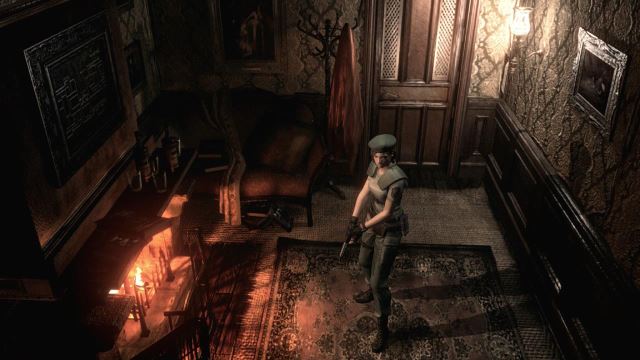
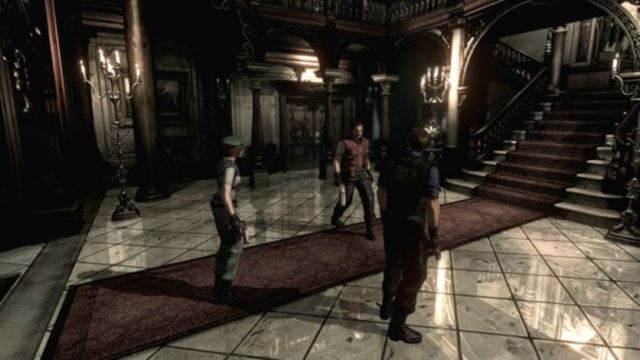
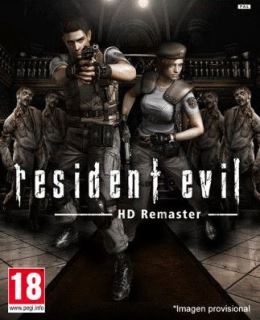
Resident Evil HD Remaster

 Resident Evil HD Remaster PC Game
Minimum System Requirements
  • OS: Windows 7/Vista/8
  • Processor: Intel® Core™ 2 Duo 2.4 GHz, AMD Athlon™ X2 2.8 GHz, or better
  • RAM: 2 GB
  • Hard Drive: 20 GB available space
  • Video Card: NVIDIA® GeForce® GTX260, ATI Radeon HD 6790, or better
  • Network: Broadband Internet connection
  • DirectX: DirectX 9.0c
Screenshots
How to Install?
  1. Extract the file using Winrar. (Download Winrar)
  2. Open “Resident Evil HD Remaster” folder, double click on “Setup” and install it.
  3. After installation complete, go to the folder where you install the game.
  4. Open folder, double click on “bhd” icon to play the game. Done!
How to Download?
If your don’t know how to Download this game, just Click Here!
Resident Evil HD Remaster Download
Game Size: 4.25 GB
Password: www.apunkagames.net or apunkagames
 You Can Also Download In Torrent Format
Download Torrent File

Sunday, 29 July 2018

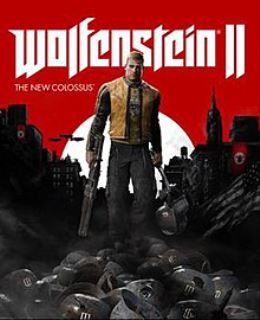
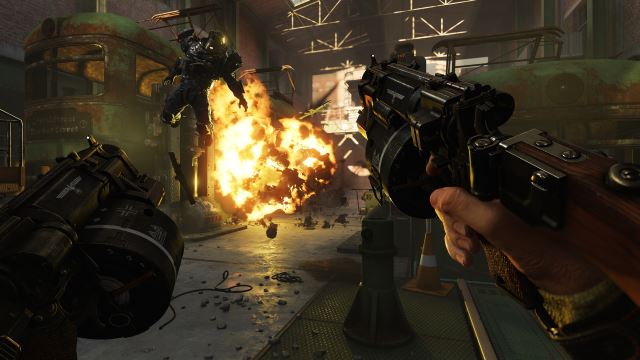
Wolfenstein 2: The New Colossus

 Wolfenstein 2: The New Colossus PC Game

Minimum System Requirements
  • OS: Windows 7/Vista/8 (64-Bit versions)
  • Processor: AMD FX-8350/Ryzen 5 1400 or Intel Core i5-3570/i7-3770
  • RAM: 8 GB
  • Hard Drive: 55 GB available space
  • Video Card: Nvidia GTX 770 4GB/AMD Radeon R9 290 4GB or better
  • DirectX: Version 11.0c
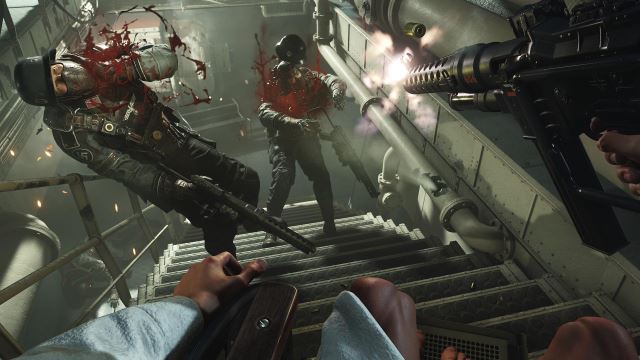
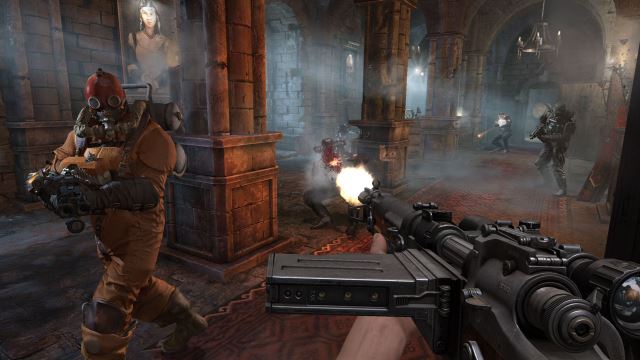
Screenshots
How to Install?
  1. Extract the file using Winrar. (Download Winrar)
  2. Open “Wolfenstein 2 The New Colossus” folder, double click on “Setup” and install it.
  3. After installation complete, go to the folder where you extract the game.
  4. Open “CODEX” folder, copy all files and paste it where you install the game.
  5. Then double click on “NewColossus_x64vk” icon to play the game. Done!
How to Download?
If your don’t know how to Download this game, just Click Here!

Wolfenstein 2: The New Colossus Download
Download in 5GB Parts
Click Here
–
Download in 2GB Parts

Game Size: 41.1 GB
Password: www.apunkagames.net or apunkagames
or
You Can Also Download In Torrent Format
Download Torrent File

Wolfenstein: The Old Blood

 Wolfenstein: The Old Blood PC Game

Minimum System Requirements
  • OS: Windows 7/Vista/8 (64-Bit)
  • Processor: Intel Core™ i5-2500 @ 3.3 GHz / AMD FX-8320 @ 3.5 GHz
  • RAM: 4 GB
  • Hard Drive: 38 GB available space
  • Video Card: NVIDIA® GeForce® GTX 560 / AMD Radeon™ HD 6870 (1GB VRAM)
  • DirectX: Version 11
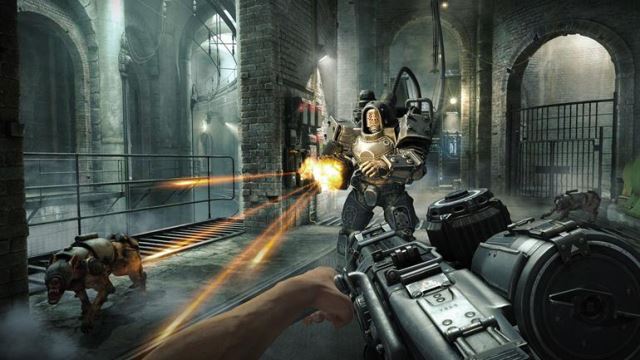
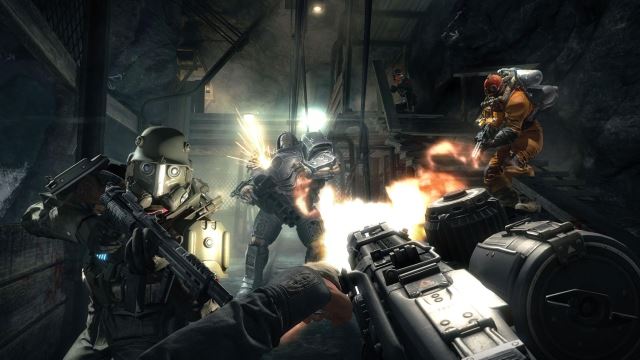
Screenshots
How to Install?
  1. Extract the file using Winrar. (Download Winrar)
  2. Open “Wolfenstein The Old Blood” folder, double click on “Setup” and install it.
  3. After installation complete, go to the folder where you extract the game.
  4. Open “CODEX” folder, copy all files and paste it where you install the game.
  5. Then double click on “WolfOldBlood_x64” icon to play the game. Done!
How to Download?
If your don’t know how to Download this game, just Click Here!

Wolfenstein The Old Blood Download
Download in 5GB Parts
Click Here
–
Download in 900MB Parts

Game Size: 34.2 GB
Password: www.apunkagames.net 

Sunday, 15 July 2018

Kung Fu Panda 1

Kung Fu Panda 1 PC Game

Minimum System Requirements
  • OS: Windows XP/Vista/7
  • Processor: Pentium 4 @ 2 GHz / Athlon Equivalent
  • RAM: 512 MB
  • Hard Drive: 8.4 GB Available Space
  • Video Card: 128 MB, nVidia GeForce FX 5600 / ATI Radeon 9500
  • Sound Card: DirectX Compatible
  • DirectX: 9.0c
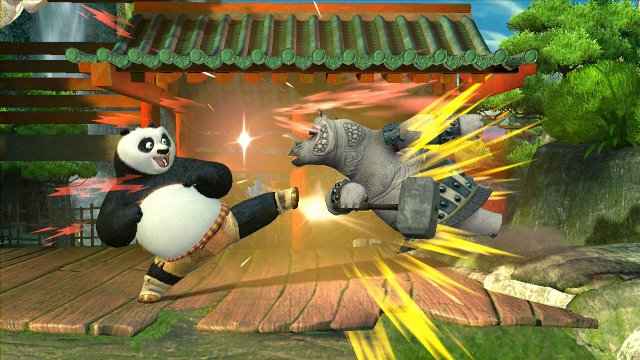
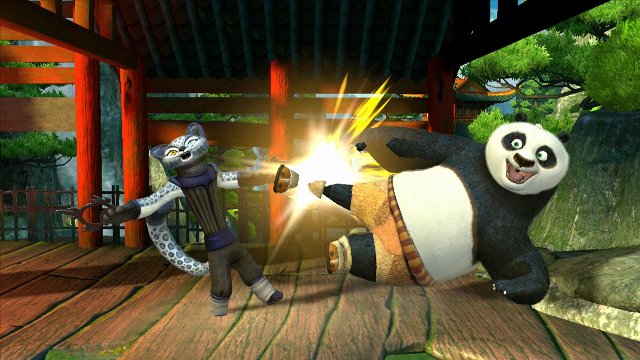
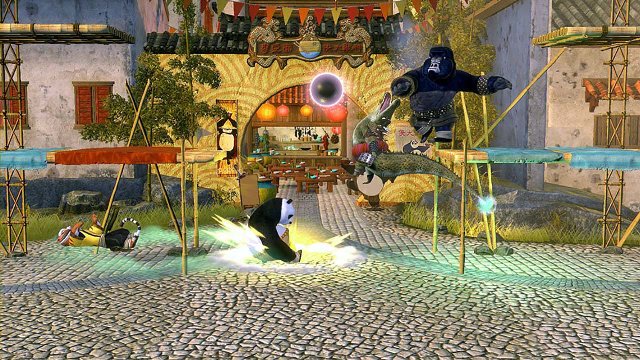
Screenshots
How to Install?
    1. Extract the file using Winrar. (Download Winrar)
    2. Open “Kung Fu Panda” >> “Activision” >> “Game” folder.
    3. Then double click on “Game” icon to play the game. Done! 
      How to Download?
      If your don’t know how to Download this game, just Click Here!

      Kung Fu Panda 1 PC Game Free Download

      Click Here to Download This Game
      Game Size: 3.87 GB
      Password: www.apunkagames.net
      or
      You Can Also Download In Torrent Format
      Download Torrent File

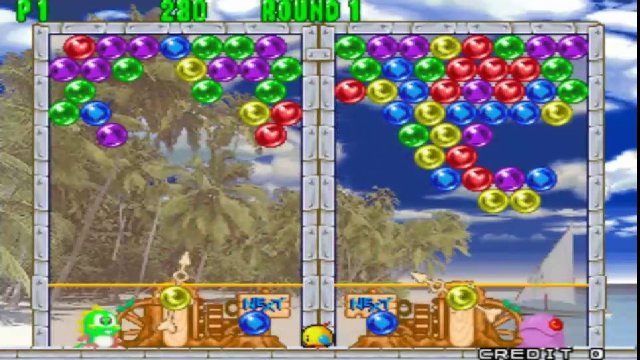
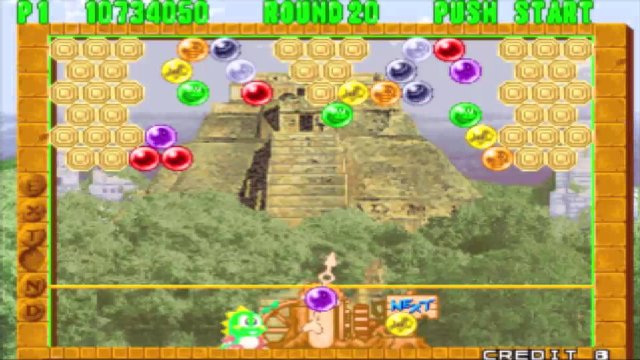
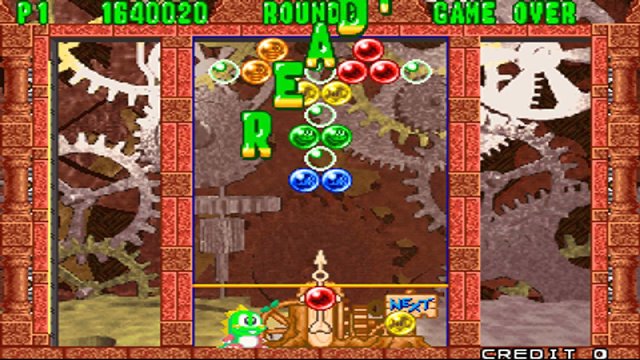
      Puzzle Bobble 2

      Puzzle Bobble 2 PC Game

      Minimum System Requirements
      • OS:Windows 98/ME/2000/XP/7
      • CPU: Pentium @ 233 MHz Processor
      • RAM: 128 MB
      • Hard Drive: 100 MB available space
      • Video Card: 16 MB
      • DirectX: DirectX: 8.0
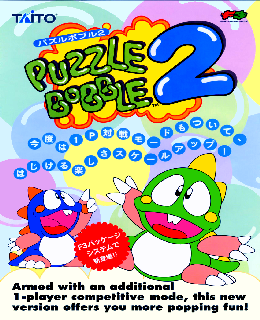
      Screenshots

      How to Install?
        1. Extract the file using Winrar. (Download Winrar)
        2. Open “Puzzle Bobble 2” >> “Game” folder.
        3. Then double click on “WinKawaks” icon to play the game. Done!
          How to Download?
          If your don’t know how to Download this game, just Click Here!

          Puzzle Bobble 2 PC Game Free Download
          Click Here to Download This Game
          Game Size: 8 MB
          Password: http://Apunkagames.biz

          You Can Also Download In Torrent Format
          Download Torrent File